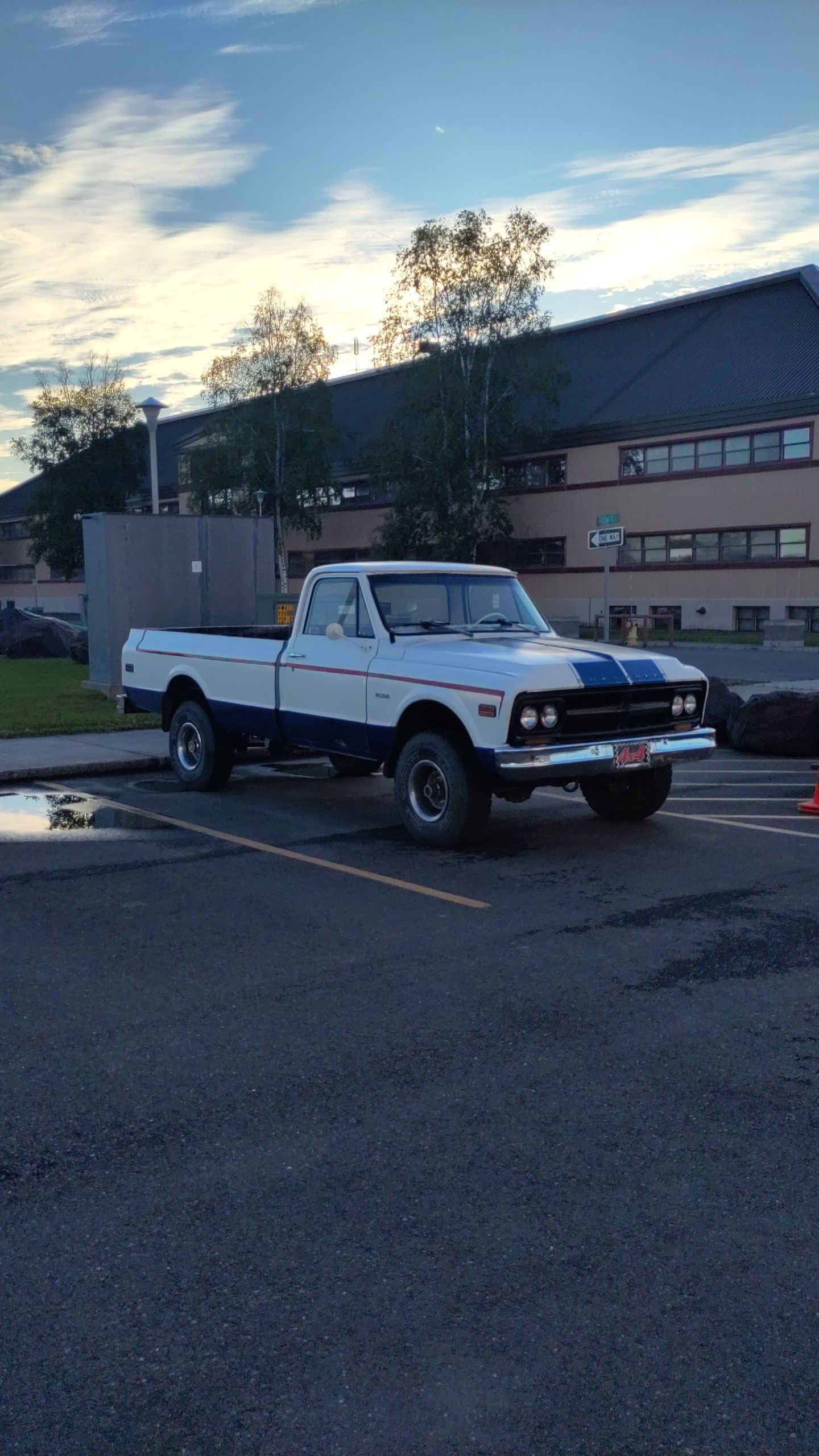
A while back I wrote an article about hooking up my HTX-212 to a signalink-usb and using it for APRS and Winlink from my 78 Chevy pickup [1]. I recently moved it to my newly restored 1968 Chevy pickup, and had an issue with it, so I thought I'd share my troubleshooting thought process and the ultimate fix/repair, even though it wasn't a really big issue, and I was able to fix it pretty quick.
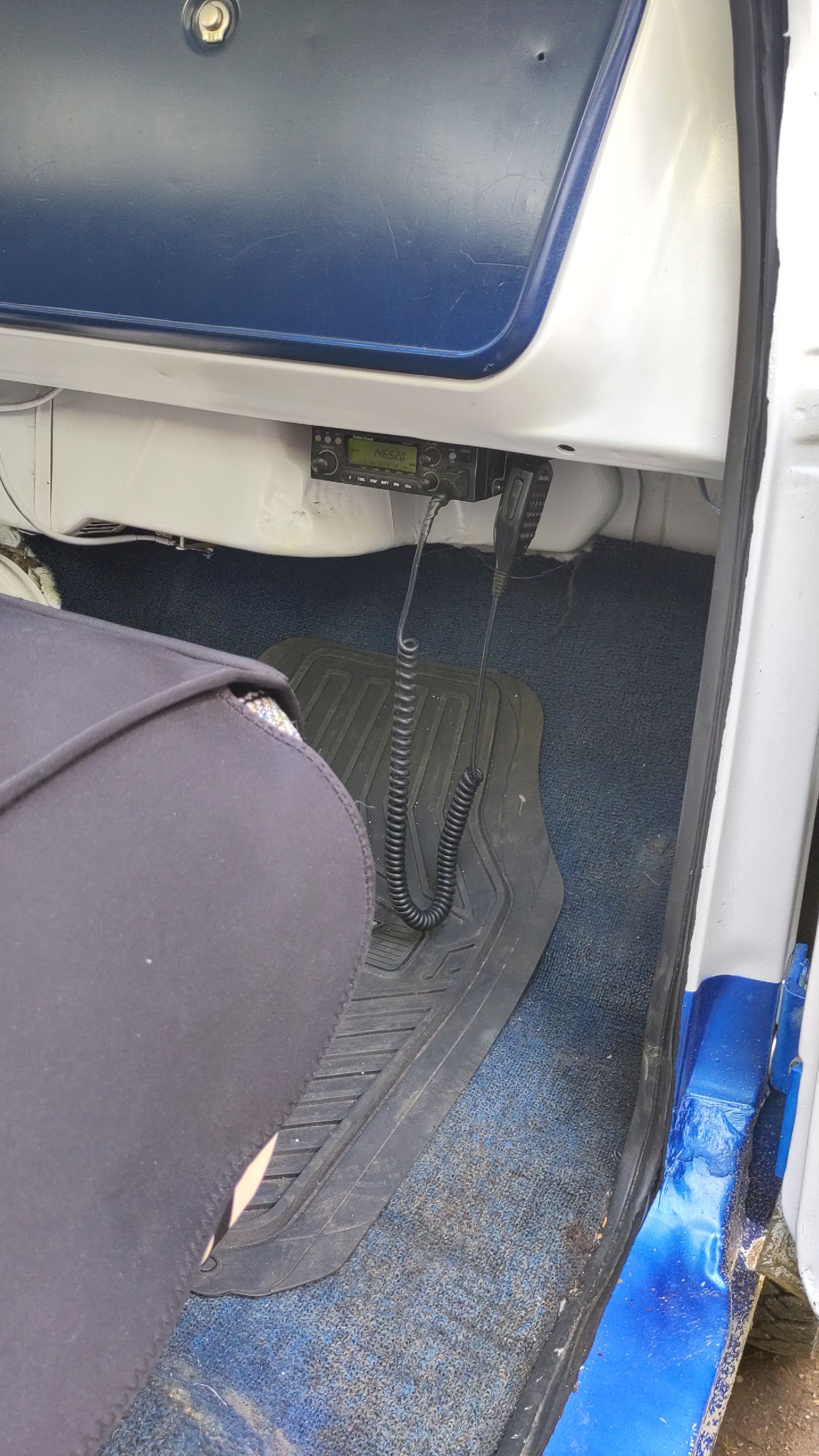
First, it was interesting to mount it. In the '78, I simply screwed the mounting bracket to the underside of the dash. However, in the '68, there is no underside to the dash, it is just an open hole. To solve this, I put a piece of 1/2" plywood that I specially cut to fit under the dash, spanning from the front of the underside of the dash all the way to the firewall under the glove box. This worked really well, was very stable, and it allowed me to have a flat work surface to mount the mounting bracket onto. This also has the added benefit of being under the glove box, which has holes in the side of it, allowing me to (in the future), mount my signalink and cables in the glove box. Currently, they just are sitting in there, out of the way. This keeps the truck looking sharp and clean, and allows me to pull them out and use them.
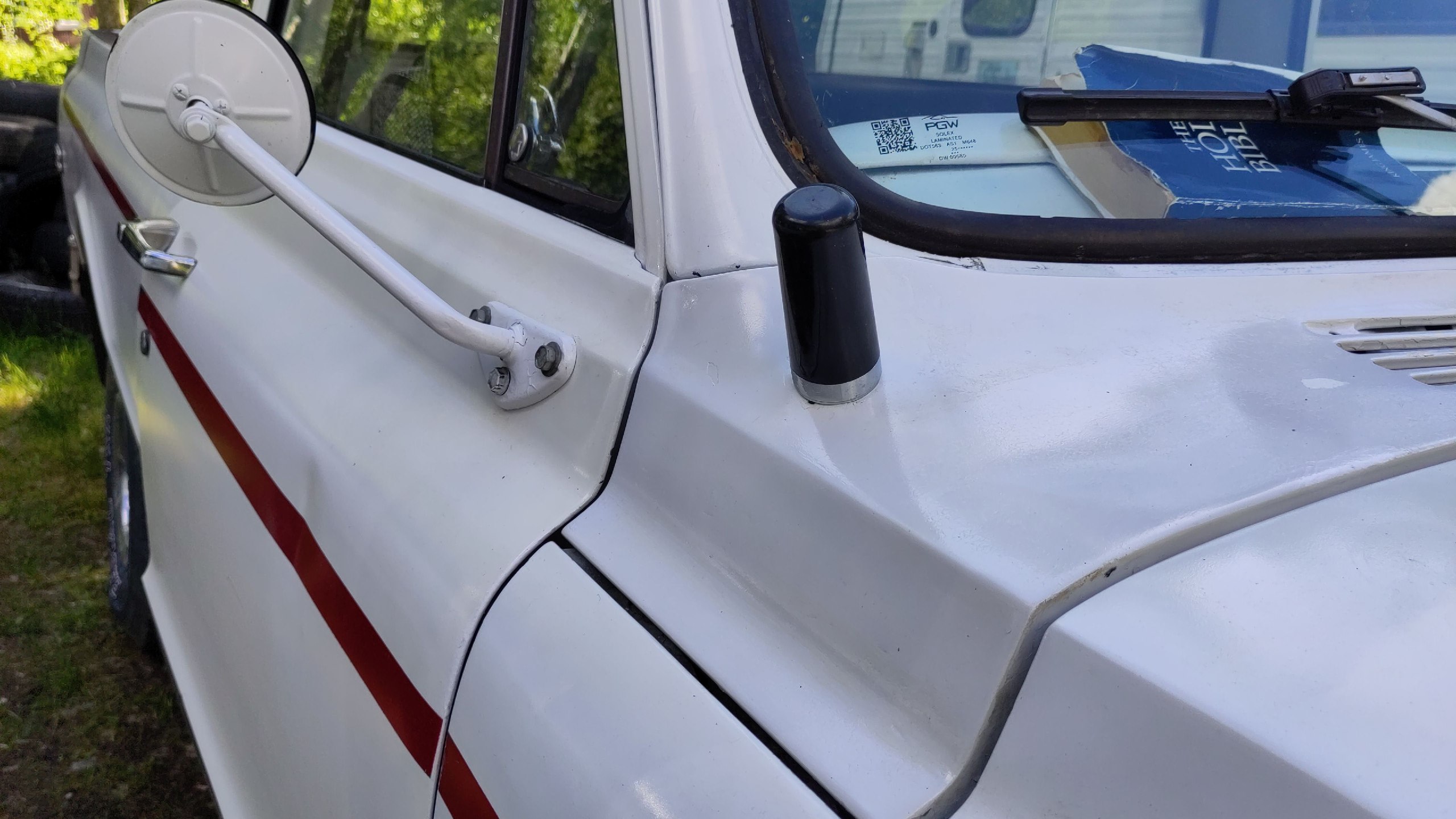
Then, I needed an antenna. I used the stock antenna hole on the '68, rather than making a new one. I put in an NMO mount, so I can change out the antenna for any NMO style connector, which is pretty standard for mobile antennas. Currently I just have a little WaurpHud dual band antenna [2] (Not an affiliate link.) that is really tiny. It works surprisingly well for it's size, having used it on the '78 after replacing the much larger, but worthless dual bander antenna I used to have on there. I doubt it works well out of town, but seems to get the job done cruising around locally.
After gettting the wiring for power all sorted, cleanly routed, with fuses and such, I was able to test out the HTX-212 with the hand mic, and it passed with flying colors through the local repeaters and to a handie that I had as well. After this, I hooked up my signalink-usb and Android phone with WOAD and APRSdroid, and tried that out. But it didn't work. Now it was time for troubleshooting, and I figured I'd share my thought process, good or bad, and how I was able to get it fixed. There are four main parts here, the Android phone/apps, the signalink-usb, the cables, and the HTX-212 transceiver, and I needed to break down where the failure was.
Symptopms: - The HTX-212 does not actually transmit, as there is no signal strength bar meter for transmission, like it usually does when transmitting. - The signalink-usb does click and light up the red transmit button. - The Android WoAD app doesn't show the typical audio strength meter for received sound.
- The HTX-212 worked with the hand mic to TX/RX. So I know that the radio itself is good, has power, and works.
- Rechecked the frequencies and HTX-212 settings. All were correct, but this rules out operator error.
- I took the Android phone, with the app I was using (WoAD), and hooked it up to the other signalink-usb in my house, which is connected to the TS-700A, and was able to transmit and receive messages on Winlink. This tells me that all the app settings and phone settings are correct.
- The remaining two items are the cable and the signalink-usb. Checking the cables was easiest, because if you read my previous article about the cable, I set up the signalink-usb to allow me to use a regular cat5/6 patch cable. So I unhooked my usual cable and hooked up another ethernet cable I had laying around, as well as a different 3.5mm aux audio cable, and viola! Transmission and reception started working!
My original cable is a home made cable I created with the 3.5mm audio jack built in on one end, tied into the ethernet cable. It made for a cleaner setup, but more complicated construction. I think I'm going to just go with a regular aux audio cable and a regular ethernet cable, which simplifies the matter greatly. In any event, it is nice to get it working and set up in the '68, and I look forward to using it more often when I'm mobile!
Linux - keep it simple.
[1] https://alaskalinuxuser3.ddns.net/connecting-my-signalink-usb-to-a-htx-212-2m-transceiver.html [2] https://www.amazon.com/Antenna-136-174MHz-400-470MHz-Connection-Amateur/dp/B0F1FFV4YC